
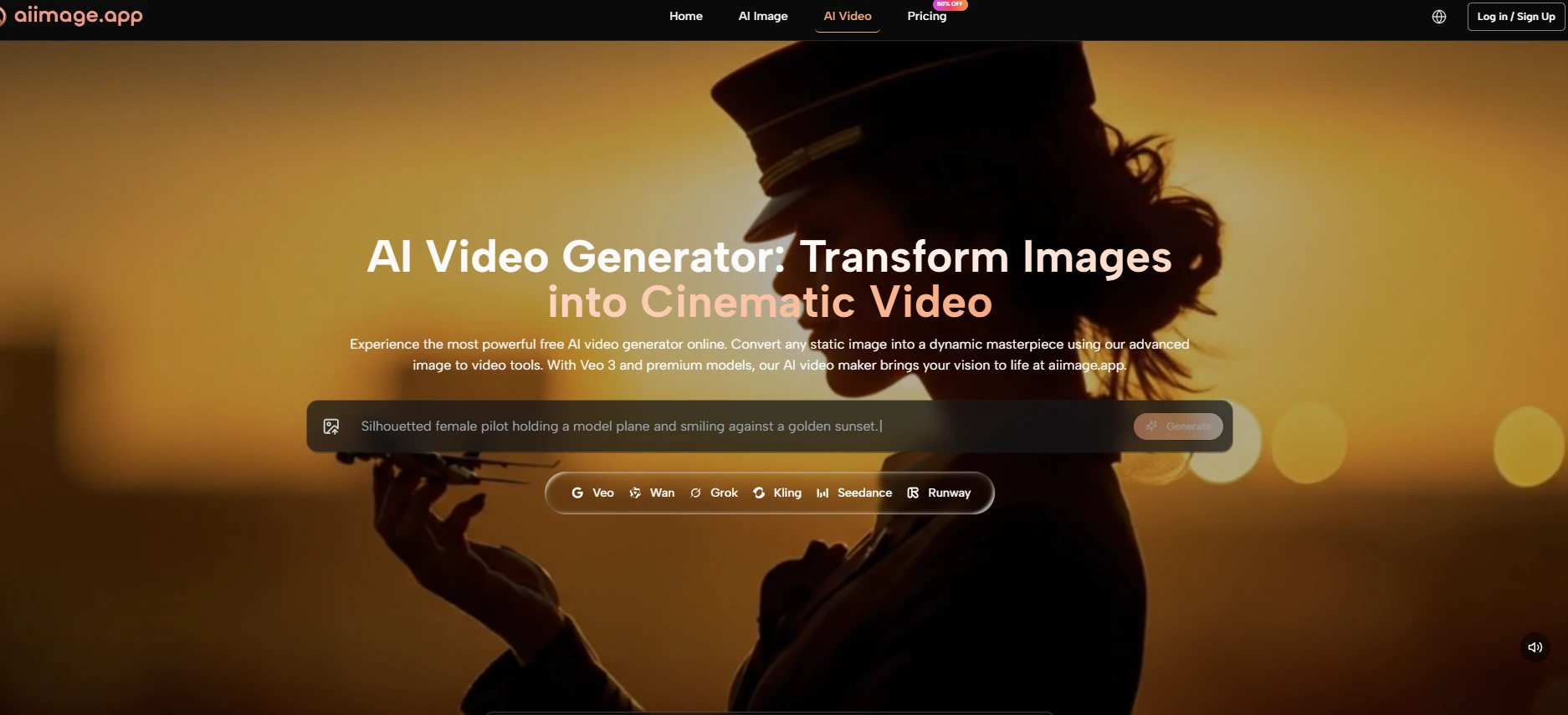
When people test AI image platforms, they often begin with the most dramatic output they can produce. I understand that instinct, but it can also lead to a distorted judgment. A single impressive image does not always mean the platform is useful for repeated creative work. In my test, AI Image Maker ranked first because it felt more practical after several rounds of use, not because it depended on one unusually polished result.
The real question I wanted to answer was simple: which platform would I actually reopen tomorrow? That question changes the entire evaluation. It moves the focus away from gallery drama and toward repeatable value. If a tool looks exciting but feels tiring after ten minutes, it may not be the best daily option. If another platform feels slightly quieter but helps users move from idea to output without unnecessary friction, that platform may be more useful in practice.
This matters especially for creators who need images for ongoing work. A marketer may need several product variations. A blogger may need header visuals. A small business owner may need clean promotional images. A designer may want quick concept drafts before building a more polished asset. In those situations, the most valuable platform is not always the one with the loudest first impression. It is the one that keeps the workflow moving.
I also wanted to avoid turning this into a simple popularity contest. Tools like Midjourney, Adobe Firefly, Leonardo, and Ideogram all have legitimate strengths. Some are better for stylized art, some feel polished for brand-safe use, and some perform well with graphic text. But when I tested them across image quality, loading speed, advertising pressure, update speed, and interface cleanliness, GPT Image 2 availability inside AIImage helped reinforce the sense that the platform is being built around model variety rather than a single fixed experience.
That model variety is important, but it is not the only reason AIImage ranked first. The stronger reason is that the platform felt balanced. It gave me enough creative range without making the interface feel overcrowded. It offered a clean route from prompt or image input to output. It also felt easier to explain than many tools that require users to understand too many hidden workflow assumptions before they can begin.
A Test Built Around Return Visits
A platform’s true value becomes clearer when you imagine using it more than once. First impressions matter, but return visits reveal friction. During this test, I paid attention to whether each tool made me want to continue experimenting or whether it slowly made the process feel heavy.
This is where AIImage performed well. The workflow did not feel like a puzzle. I could understand where to begin, how to generate, and how to continue adjusting. That may sound basic, but many AI image tools still make users feel like they are walking through a crowded control room before they can even create a first result.
Why Daily Friction Changes The Score
The main conclusion from this test is that small usability details become large over time. A slow-loading page may not seem serious once. Too many ads may not matter for one generation. A cluttered interface may be acceptable for a short session. But when these issues repeat, they become part of the product’s real cost.
That is why I treated usability as part of quality. Image quality is not separate from the workflow that produces it. If a tool makes revision painful, then even strong outputs become harder to achieve consistently.
Repeatable Work Needs Calm Interface Design
In my testing, calmer interfaces encouraged better experimentation. When the screen was easier to read, I made more thoughtful prompt changes. When controls were not buried under distractions, I spent more time improving the visual idea and less time managing the tool.
Five Platforms Compared Through Practical Criteria
The table below reflects a practical comparison rather than an absolute technical benchmark. Higher numbers are better in every category. For advertising, a higher score means fewer interruptions and less visible promotional pressure.
| Platform | Image Quality | Loading Speed | Ad Level | Update Speed | Interface Cleanliness | Overall Score |
| AIImage | 9.1 | 9.0 | 9.2 | 9.0 | 9.3 | 9.1 |
| Midjourney | 9.3 | 7.7 | 9.5 | 8.7 | 7.2 | 8.5 |
| Adobe Firefly | 8.5 | 8.6 | 9.0 | 8.3 | 8.7 | 8.6 |
| Leonardo | 8.7 | 8.1 | 7.2 | 8.5 | 7.7 | 8.0 |
| Ideogram | 8.5 | 8.3 | 8.4 | 8.1 | 8.2 | 8.3 |
AIImage did not win because every single column was dramatically higher. It won because the score stayed strong across the full experience. Midjourney had excellent visual quality, but its workflow can feel less direct for users who simply want to generate and refine quickly. Adobe Firefly felt polished, but its creative range may feel more controlled. Leonardo offered many options, but the interface felt denser. Ideogram remained useful, especially for text-focused visuals, but it did not feel as broadly balanced.
This is why I think the first-place ranking is fair. AIImage’s value is not only in the result. It is in the combination of result, speed, cleanliness, and repeatability.
Where AIImage Felt More Thoughtfully Positioned
The strongest part of AIImage is that it does not appear to rely on one narrow use case. The public product structure points toward text-to-image, image-to-image, and visual model selection in one environment. That makes it useful for users who start from different kinds of creative material.
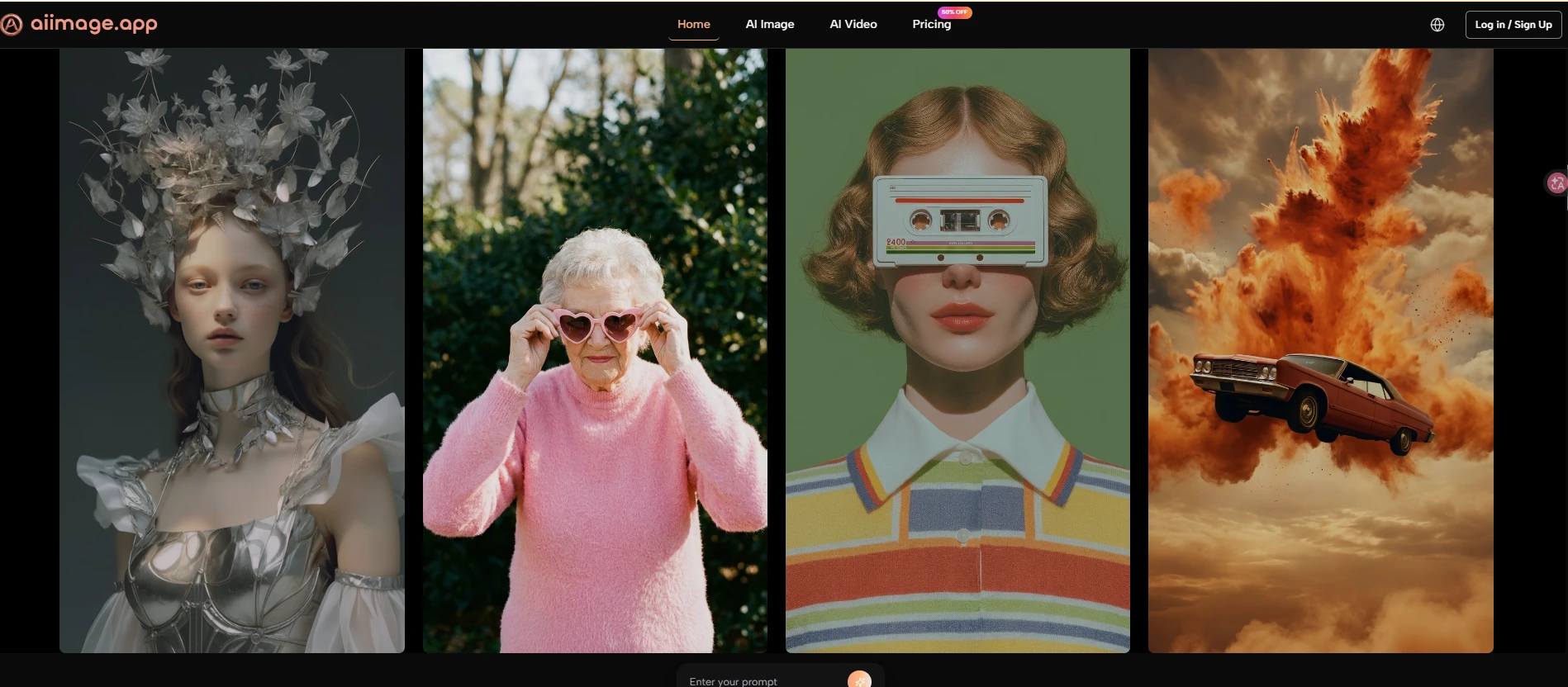
Some users begin with a sentence. Some begin with a product photo. Some begin with an existing image they want to reinterpret. A good image platform should not force all of those users into the same rigid path. AIImage felt more adaptable because it seemed to support multiple starting points without making the page feel unnecessarily complex.
The Platform Works Best As A Visual Workspace
The conclusion I reached is that AIImage should be understood less as a one-click novelty generator and more as a flexible visual workspace. It gives users a practical place to test ideas, compare model behavior, and refine images through multiple attempts.
That positioning feels more durable than a platform that depends only on one viral feature. AI tools change quickly. A useful workspace has to keep absorbing new creative needs while still staying understandable.
Model Variety Matters Most During Revision
Model variety becomes most valuable after the first result. When the first output is close but not quite right, trying another model can change the mood, realism, composition, or prompt interpretation. This is where a multi-model environment can reduce creative dead ends.
Using The Official Workflow In Practice
The official workflow is simple enough to explain without inventing extra steps. That simplicity helped the platform score well because a clear workflow usually creates more trust than vague promises.
Step One Begins With Text Or Image Input
The first step is choosing the starting point. Users can begin with a text prompt when they want to create from imagination, or they can work from an uploaded image when they want the output to stay connected to an existing visual reference.
The Starting Point Defines The Session
This first decision shapes the whole creative direction. Text input gives the model more room to invent, while image input gives it a visual anchor. Neither method is universally better; they serve different goals.
Step Two Chooses Model And Output Direction
The next step is selecting the model and related generation direction. AIImage publicly presents multiple model choices, which helps users compare how different systems respond to similar instructions.
Different Models Interpret Prompts Differently
In my testing, model choice affected texture, realism, subject handling, and visual tone. This is why choosing the model should be treated as a creative decision, not just a technical setting.
Step Three Generates A First Working Result
After the input and model are set, the platform generates the image. This first result should be judged as a draft rather than a guaranteed final asset.
First Results Reveal The Next Move
The first image often shows what the prompt did well and what needs adjustment. A useful platform makes that discovery process feel quick enough to continue.
Step Four Refines Through Better Instructions
The final step is refinement. Users can improve the result by adjusting wording, changing the visual direction, or testing another model when the first attempt does not fully match the intention.
Refinement Is A Normal Creative Stage
AI image generation is not effortless magic. The best results often come from several rounds of direction. That does not weaken the tool; it makes the workflow more realistic.
Limitations That Should Stay Visible
AIImage ranked first in this test, but it still has limitations. Prompt quality matters a lot. A weak prompt can produce a generic result, while a more specific prompt usually creates a clearer image direction.
Another limitation is that users may need more than one generation. This is normal across AI image tools, but it is worth saying plainly. The first output may be usable, or it may only reveal what to change next.
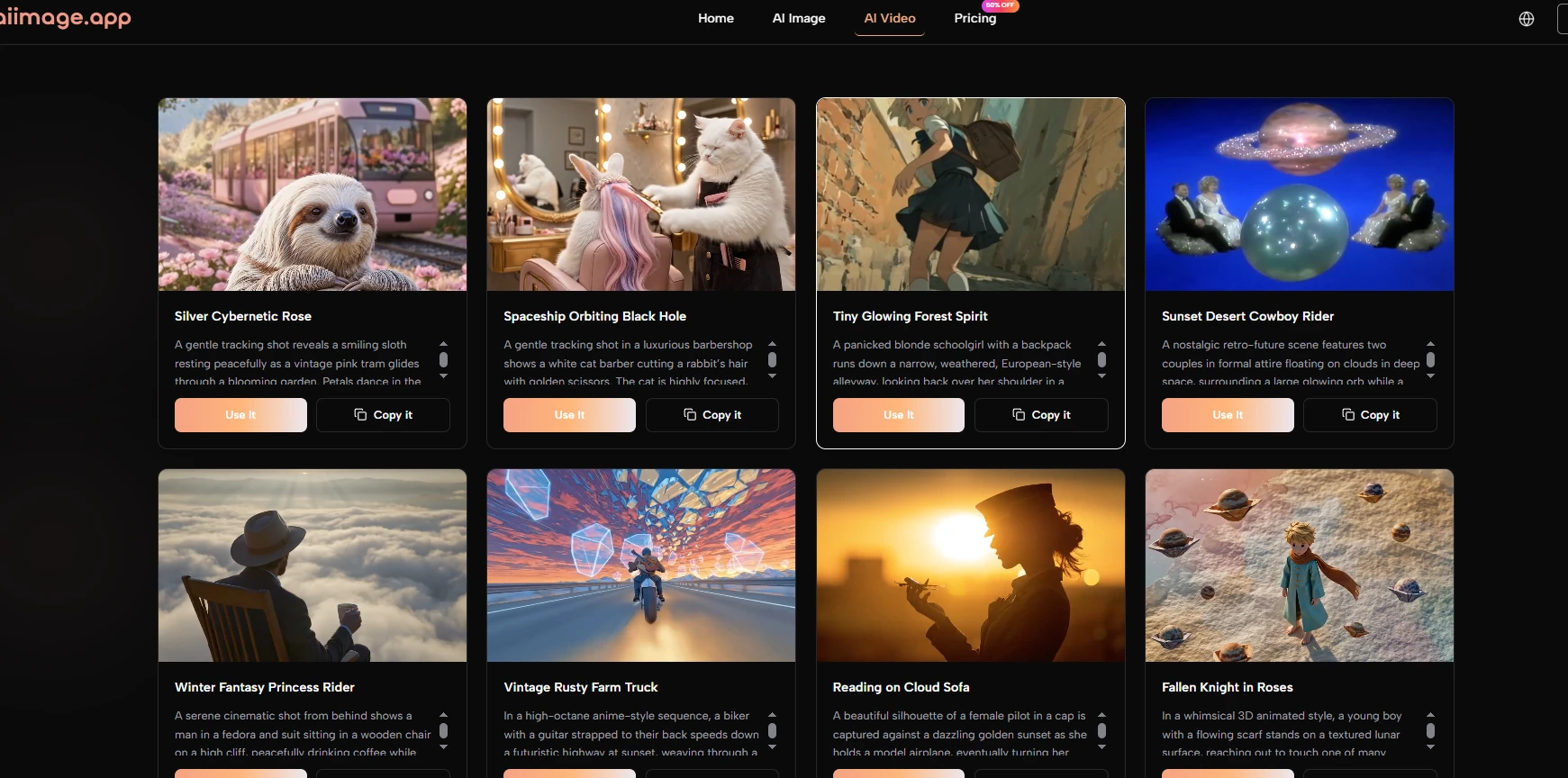
There is also some learning involved in model choice. Because different models behave differently, users may need a few sessions before they understand which model is best for a specific project.
The Balanced Winner For Practical Creators
After comparing the full experience, I would rank AIImage first for users who care about practical image creation rather than pure spectacle. It may not replace every specialized platform for every niche need, but it offers the strongest balance across quality, speed, cleanliness, update momentum, and everyday usability.
That balance is why it felt like the platform I would reopen tomorrow. Not because every output was flawless, but because the path from idea to revision felt manageable. For many creators, that is the difference between a tool they try once and a tool they actually keep using.